

Your first download doesn’t need a huge catalog or a month of nonstop posting. A focused digital download launch starts with one useful product, evidence that people want it, and a checkout that works.
For a first-time creator in the creator economy, this is a manageable first step, not a promise of passive income. If you’re starting with AI art, prompts, or printables, keep the scope small so you can finish your digital download without rushing the details. This calendar gives you one manageable task each day, beginning with the buyer’s problem.
Key Takeaways
- Test a specific offer before building the full download. Purchases show stronger demand than compliments.
- Finish one useful product, then check its files, permissions, checkout, and delivery.
- Treat extra platforms, bundles, and elaborate branding as optional. Your first launch needs a reliable buying experience.
Set a Manageable Digital Download Launch Schedule
Plan for roughly 45 to 60 minutes daily, with longer blocks for production and testing. These are suggested time budgets, so adjust them around your responsibilities.
Choose a small deliverable suited to your audience, such as a focused prompt pack, short printable workbook, or coordinated art collection. Other digital products might include e-books and guides, while online courses and large memberships can wait.
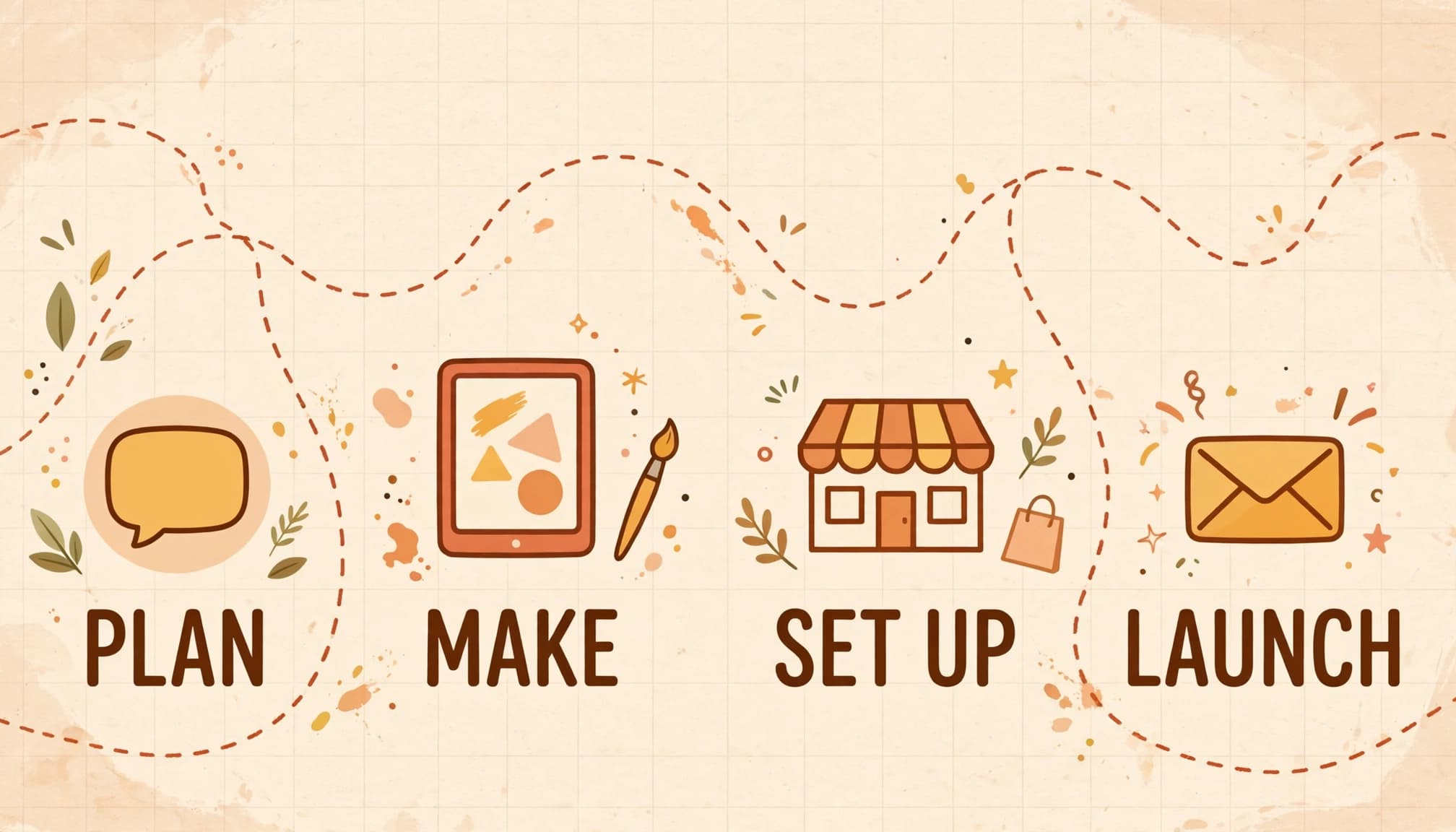
Every calendar task below is essential. Optional extras appear separately, so you can skip them without losing the launch’s foundation.
Use a spreadsheet with columns for date, task, status, and evidence. Assign actual dates before starting. If validation takes longer, move the remaining dates rather than building an offer nobody has requested.
Days 1 to 6: Validate Before You Design
Find a Problem People Already Try to Solve
Start with a buyer and a recent frustration. Ask what they’ve tried, what failed, and what would make the task easier.
For AI art buyers, that might mean matching print sizes or producing consistent themed images. Let conversations determine the product, rather than choosing a format first.
The SBA’s business planning guidance connects customer research with competitive analysis. Use competing listings to understand expectations, without copying their artwork or descriptions.
Complete Your First Demand Test
Follow this sequence before committing to the full build.
| Day | Essential task |
|---|---|
| 1 | Choose one buyer, one problem, and one specific outcome for your digital download. |
| 2 | Invite five relevant people to short conversations about their recent struggles. |
| 3 | Hold available conversations and review five competing offers for gaps. |
| 4 | Create a small sample that demonstrates the proposed result. |
| 5 | Share the sample with a clear offer, intended price, and signup option. |
| 6 | Review replies and commitments; continue, revise, or pause the idea. |
Choose your decision rule before testing. Three paid pre-orders can be a useful initial target, but aren’t a universal benchmark.
If pre-selling, disclose the contents, delivery date, and refund terms. That PLR Shop’s guide to testing digital product demand offers more validation options.
A waitlist tests interest. A paid pre-order also tests willingness to pay. Record them separately.
Want a deeper walkthrough of this first week? Here’s how to validate a digital product idea before building, including the signals that tell you to keep going or change course.
Free: the AI Art Starter Pack
Want art to practice with? Grab a free pack of AI art images you can use to make your first printable, template or freebie, no prompting required.
Days 7 to 16: Build a Small, Polished Download
Match the Format to the Buyer’s Task
Choose file formats that fit the buyer’s task: PDF for fixed-layout guides and printable pages, PNG for individual graphics, and ZIP for packages with multiple files. Canva can handle layouts, while Google Docs suits text-heavy guides.
For printables, specify dimensions and test printing. For prompt packs, name the tool you tested and explain which settings affect results.
PLR can shorten production, but customize the structure, instructions, examples, and visuals. Review the individual PLR license terms before distributing source files or granting resale rights.
Keep permissions and receipts. Identify each asset’s copyright owner and retain its license. Permission to use an asset doesn’t make you its copyright owner. Commercial permission and copyright protection are separate questions; the U.S. Copyright Office’s copyright basics explain protection and registration.
Finish the Product Without Expanding It
Keep the contents fixed once production begins.
| Day | Essential task |
|---|---|
| 7 | Outline the contents and remove anything unrelated to the promised outcome. |
| 8 | Check asset licenses, font permissions, and relevant AI tool terms. |
| 9 | Create the first portion using one consistent layout or art direction. |
| 10 | Build the next portion; avoid adding new product features. |
| 11 | Complete the core content before polishing decorative details. |
| 12 | Write setup instructions, usage guidance, and any required software information. |
| 13 | Inspect AI images for artifacts and verify written claims and prompts. |
| 14 | Export files, use clear filenames, and assemble the digital files into an organized delivery folder. |
| 15 | Ask two testers to use the download without your help. |
| 16 | Fix reported problems and save a clearly labeled launch version. |
Optional extras include additional colorways or bonus pages. Add them only after testers can use the core product successfully.
Choose One Sales Platform Before Setup
You don’t need to open three storefronts at once. Choose the option that fits your audience and technical comfort.
A hosted storefront such as Gumroad can reduce setup work by combining checkout and file delivery for digital products. Etsy offers marketplace discovery, but your listings must also meet its current seller and AI disclosure rules.
Your own online store gives you more control over presentation. However, you must arrange checkout, delivery, updates, support, and a payment gateway yourself or through plugins.
Compare each platform’s pricing model and total selling cost, including subscription service fees where applicable, platform commissions, payment processing, and listing fees. Also check who handles taxes, refunds, and customer records.
Check Stripe’s current pricing if your selected setup uses Stripe. Rates depend on location and payment method. Don’t assume that using your own website eliminates payment processing costs.
Optional extras include a custom domain or elaborate shop theme. A clear, working product page is enough to begin.
Days 17 to 23: Price, Package, and Test Delivery
Make the Offer Easy to Understand
Value-based pricing considers the buyer’s useful outcome and available alternatives. Hourly pricing starts with your production time. Track that time internally, but don’t assume buyers value every hour equally.
Choose a pricing model that covers selling fees and expected support. Then explain exactly what’s included in your digital download, which files are editable, and what buyers need for a better customer experience.
Include plain-language usage terms. For a personal-use product, a starting clause could read: “For the purchaser’s personal use only. Redistribution, resale, and commercial use are prohibited.”
Adapt that wording to your actual permissions and applicable law. If your files include third-party material, confirm the copyright owner has granted the rights you need. Download limits or expiring links may deter casual sharing, but digital rights management can’t prevent piracy.
Test the Entire Buying Journey
Treat payment and file delivery as separate checks.
| Day | Essential task |
|---|---|
| 17 | Select one platform and confirm its delivery, refund, and fee arrangements. |
| 18 | Set your price and estimate proceeds after applicable selling fees. |
| 19 | Write the sales page with accurate previews, formats, dimensions, and requirements. Make sure the checkout page reflects them. |
| 20 | Publish usage terms, a support email, and a lawful refund policy. |
| 21 | Upload final files and configure the purchase confirmation and automated delivery message. |
| 22 | Test checkout, receipt, download link, and file opening on desktop and phone. |
| 23 | Repair failures and repeat the full test before inviting buyers. |
Use the platform’s supported test process. If payment succeeds but delivery fails, inspect the order status, spam folder, file permissions, and automation logs. For custom integrations, also check webhook events.
Days 24 to 30: Promote, Launch, and Learn
Prepare a Short Email Sequence
A lead magnet should preview the paid product’s usefulness. Offer a sample page or a small, related checklist, rather than an unrelated freebie.
Check giveaway rights first. Some purchased assets permit paid products but prohibit free distribution.
Treat the sample and email sequence as a simple sales funnel. Write a welcome email that delivers the lead magnet, a launch email with the offer, and a follow-up addressing common concerns. Mailchimp’s email marketing guide covers campaign planning and testing.
Keep marketing signups permission-based and include an unsubscribe option. Also exclude purchasers from repetitive sales reminders. Buyers should receive helpful delivery and usage messages instead.
Run Your Digital Download Launch
Use one email channel and one social channel you already know.
| Day | Essential task |
|---|---|
| 24 | Create a permitted sample for your lead magnet, signup form, and tested welcome email. |
| 25 | Draft launch and follow-up emails with one clear purchase link. |
| 26 | Publish a useful preview showing how the product solves the problem. |
| 27 | Open sales, send the launch email, and share the product page. |
| 28 | Answer questions, repair confusing copy, and resolve reported delivery problems. |
| 29 | Send a helpful reminder; mention deadlines only when they’re real. |
| 30 | Record visitors, signups, sales, fees, refunds, and recurring customer questions. |
For refunds, record the order, problem, and resolution. Offer a working replacement when appropriate, then follow your policy and applicable consumer law.
Calculate purchase conversion as orders divided by product-page visitors. Keep traffic sources separate. Review each step of your sales funnel alongside visitor, signup, and purchase data. If interested visitors don’t buy, test one change, such as clearer previews, file requirements, or your pricing model.
Optional extras include a related bundle or upsell. Wait until the main offer works reliably.
Keep learning
Plan your launch emails with this 5-email prelaunch sequence, then use these product launch metrics to judge month one. If your download uses AI art, this video shows how I turn fun AI images into products you can sell:
Skip the blank page
The AI Art & Marketing Club gives you fresh art, a product plan and a marketing plan every month, so you always know what to make and how to sell it. Prefer to buy one pack at a time? The shop has themed art packs, prompt packs and bundles ready to customize.
Club and shop art can be used to create new finished products that you sell with commercial, PLR or MRR rights. The original images can’t be resold or given away as-is. Full license terms.
Frequently Asked Questions
Can I Launch Without an Email List?
Yes. Begin with direct conversations and useful posts in communities that allow promotion. Ask interested people to join your launch list voluntarily.
Avoid buying lists or sending unsolicited sales messages. A small group of relevant subscribers can provide better feedback than a large, unrelated audience. Also keep enough time for people to respond before judging demand.
What If I Fall Behind the Calendar?
Move the dates and protect the quality checks. Reduce the product’s scope before skipping validation, permissions, or checkout testing.
Cut optional bonuses and extra channels first. If you accepted pre-orders, communicate any delay promptly and honor the refund terms you promised. A longer schedule is easier to manage than unresolved customer problems.
Launch Something Buyers Can Use
A successful first launch gives you a repeatable process: confirm demand, finish a focused product, and test the purchase experience.
Keep the product small enough to deliver confidently. Then use real questions, purchases, and support requests to decide which digital products or improvements deserve your focus next month.
Share On Pinterest!
Want to come back to this later? Save one of these pins to your Pinterest board.


3 Comments