

A customer buys your printable art set, but the download email never arrives. The sale went through; now you’re answering a support message instead of making your next product. Reliable access is the point of digital product delivery: buyers should receive the right files promptly, without you sending each order by hand.
The setup can be simple. Start by deciding what triggers delivery, where buyers will find their files, and what happens when something goes wrong.
Key Takeaways
- Release files only after your checkout system confirms payment, not merely when someone reaches a thank-you page.
- Give buyers an on-page download option when possible, plus an email or account-based way to return later.
- Protect access with your platform’s controls, but tell customers how long links last and what their license allows.
- Test the entire purchase as a customer, including delayed payments, expired links, and files opened on a phone.
Prepare the files before connecting checkout
A delivery system can send files perfectly and still disappoint buyers if the package is confusing. Before uploading, decide what each of your digital products includes: a PDF workbook, printable PNGs, an editable template, a ZIP archive, or course access instructions.
Open every finished file. Check image resolution, page order, spelling, and whether editable links point to the correct template. For an art bundle, use filenames buyers can recognize after downloading. If you use a ZIP archive, include a short instruction sheet explaining how to extract it and which files are for printing or editing.
Your product listing and delivered package must agree. If the page promises both printable PDFs and individual images, include both. For PLR or AI-assisted products, verify that you can distribute the digital assets in your chosen format. The permissions for using AI art in PLR products depend on the tools and licenses behind the artwork.
Finally, check your platform’s current upload limits and accepted formats. If a bundle exceeds them, split it into clear parts or use a delivery service that supports the files. Avoid replacing a protected download with a publicly accessible cloud folder.
Free: the AI Art Starter Pack
Want art to practice with? Grab a free pack of AI art images you can use to make your first printable, template or freebie, no prompting required.
Choose a digital product delivery method
When comparing delivery options, content creators should choose an ecommerce platform buyers can use easily and they can maintain. Most sellers need one of three approaches.
Use built-in downloads for a straightforward shop
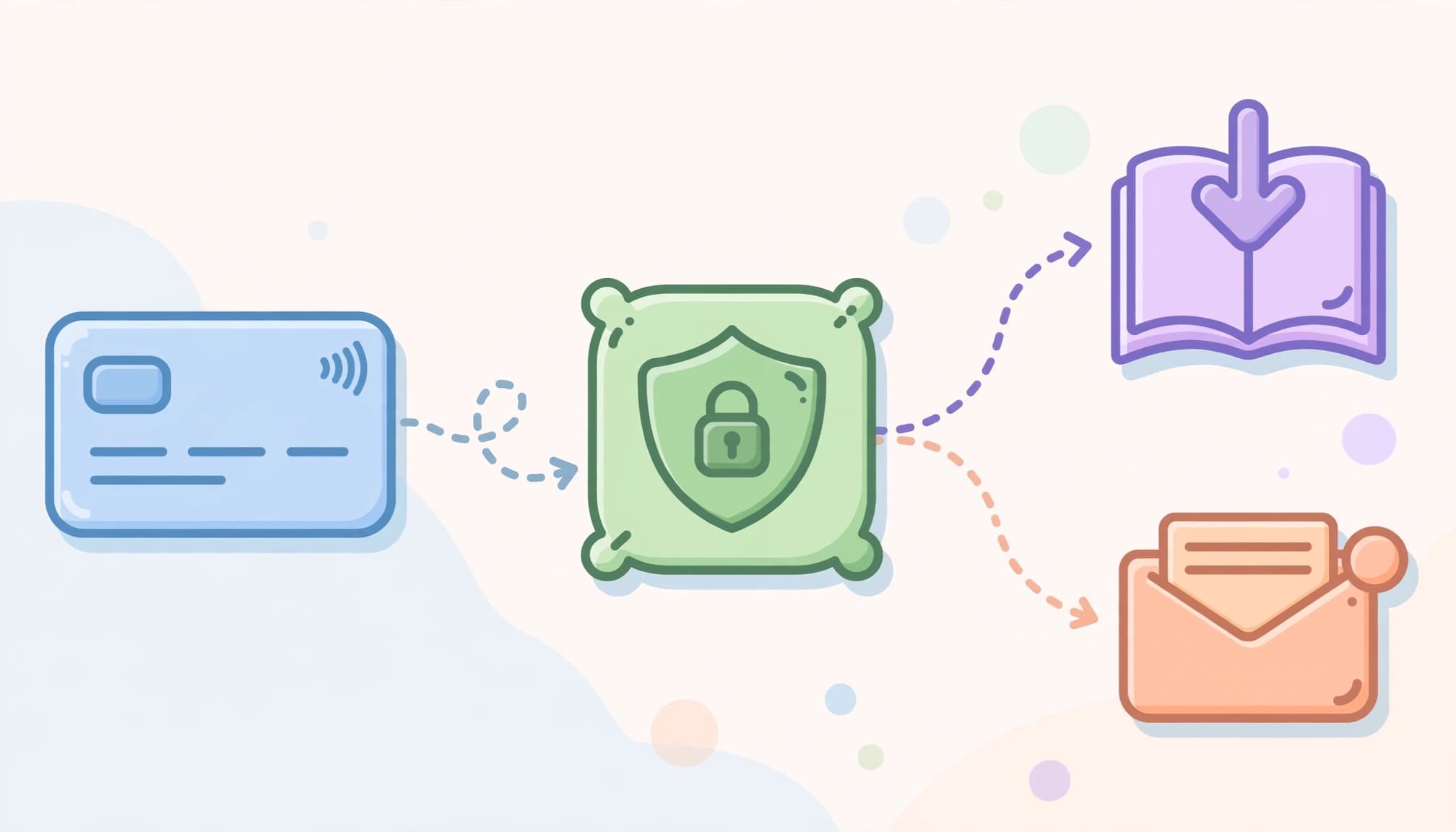
Many selling platforms connect a product listing, payment, file storage, and delivery email in one place. Upload the file to the product, enable digital fulfillment, and set the buyer’s access rules. Then make a test purchase.
This suits digital products such as an ebook, printable pack, or prompt bundle with a fixed set of files. If your audience already follows your newsletter, Kit’s digital product guidance describes an option worth comparing. Check each service’s current transaction fees, file limits, and customer access features, since costs can affect profit margins.
Use a store or custom connection for complex orders
An established online store may need to deliver downloads alongside physical goods. If your online store sells both, SureCart’s store platform supports digital and physical products; whichever cart you use, confirm that a mixed order starts digital access without marking the physical item as shipped.
A custom connection makes sense when your payment processor, file hosting, and customer accounts live in different systems. It takes more setup, so choose it when built-in delivery can’t handle a real requirement, such as assigning license keys or granting access to several products at once.
Automate fulfillment after confirmed payment
A thank-you page is useful, but a page visit isn’t proof of payment. Automated fulfillment should release files only after the payment processor confirms the order. Buyers can close the tab, lose their connection, or use a payment method that confirms later.
Connect the payment event to the product
In a typical automated workflow, checkout records the order, confirms payment, and sends the product details to the delivery system. That event starts digital file delivery, grants access, and triggers the receipt or download email.
For custom Stripe Checkout setups, account for transaction fees and use webhook-based fulfillment, as Stripe’s fulfillment documentation recommends. Its webhook documentation explains why asynchronous events matter: a bank may confirm payment after the customer leaves checkout.
If you connect systems yourself, match the paid order to the correct product ID, customer email, and file hosting location. Record when access was granted, including any license keys issued. Make repeat notifications safe to process so a retried event doesn’t create duplicate entitlements or send a string of identical emails.
Keep fulfillment separate from marketing
A transactional message tells the buyer how to receive what they purchased. A marketing sequence promotes future offers through email marketing. Keep those jobs distinct, and only add customers to promotional emails when you have the appropriate permission.
For subscription services, define what happens after a failed renewal, cancellation, or refund. Access should follow the terms of the purchase, and your records should show whether a customer is entitled to the current files. Test those changes before you sell recurring access.
Your delivery email is also the first step of onboarding. Pair it with clear product instructions that reduce confusion, so buyers know exactly which file to open first.
Give customers a clear path back to their files
The checkout success page can offer an immediate way to access digital downloads, but it shouldn’t be the only route. A buyer may close the page before downloading or want the files on another device later.
Make the confirmation email useful
Send an order confirmation to the address used at checkout. Include the product name, order reference, a clear access button or account instructions, and where to get help. If links expire, say so plainly. Tell buyers to check their spam folder only as a backup instruction, not as your main delivery plan.
When a file is too large for email, send protected download links rather than an attachment. That also makes it easier to replace a faulty file without sending a new attachment to every buyer.
Provide account access when repeat visits matter
A customer access center is helpful for online courses, growing libraries, and products with updates. Buyers can sign in to retrieve eligible purchases without searching their inbox. Keep sign-in steps short and provide a password reset or other recovery route.
Use the product page to set expectations before purchase, too. State what’s included, whether files are editable, and how access works. A customer shouldn’t discover after paying that “template” meant a flat PDF rather than an editable source file.
Secure downloads without making access difficult
Download controls reduce casual sharing and accidental public exposure. They can’t guarantee that a buyer won’t redistribute a file they’ve saved, so choose protections that suit the product’s value and your customers’ needs.
Control the link, not just the file
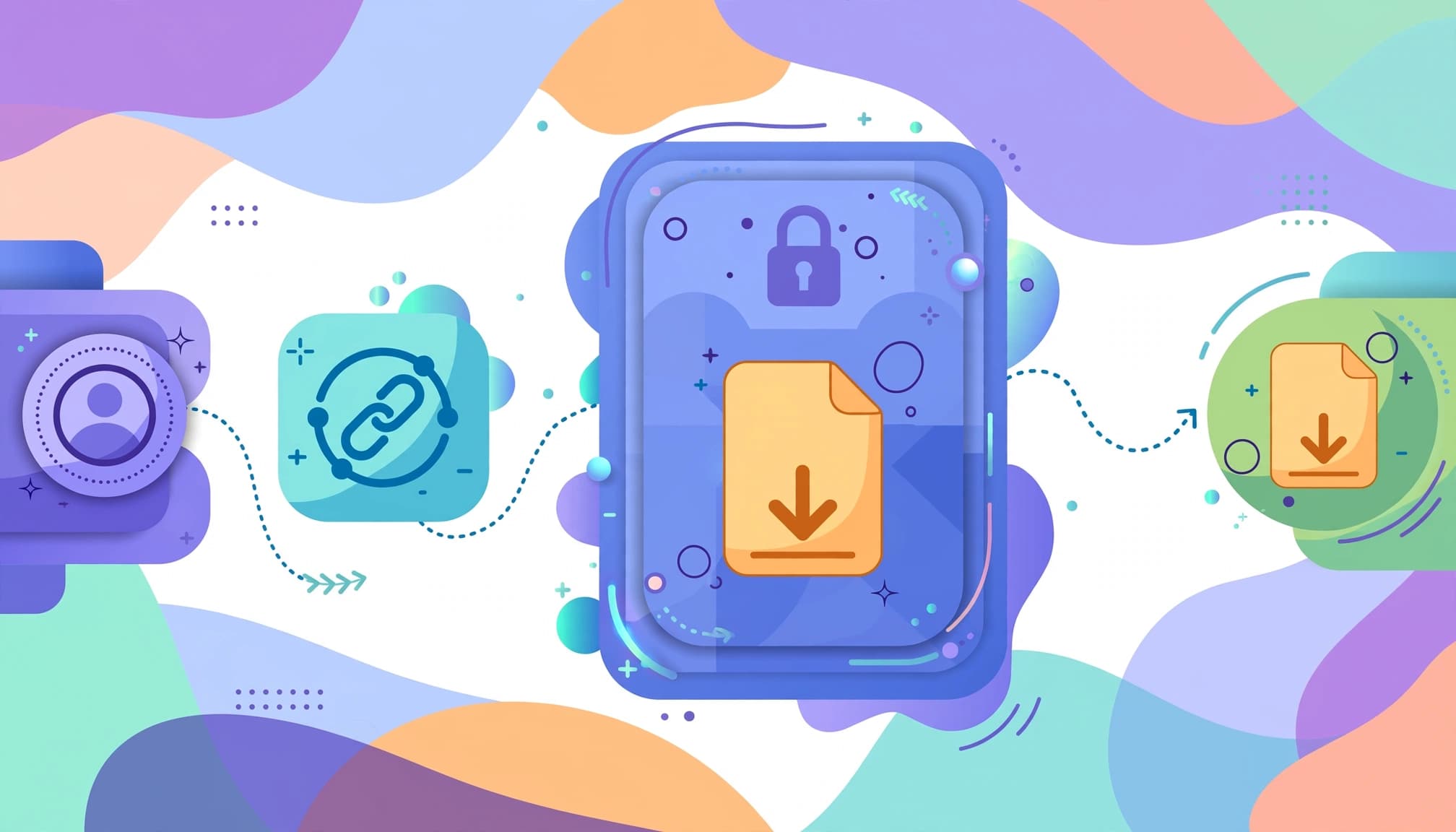
Use your platform’s protected file storage or customer login. Depending on the service, you may be able to set link expiration, download limits, or order-linked access. Check whether a copied link opens for someone who didn’t buy the product.
Set limits with real buyers in mind. Someone downloading a large art bundle over an unreliable connection may need several attempts. Offer a clear way to regain access when a link expires.
Match delivery to the license
For PLR products, spell out whether buyers may edit, use, or resell the delivered files. Don’t assume the rights you received automatically pass to your customers. Understanding PLR license terms is especially important when your package includes editable files or assets from multiple sources.
Keep the license version and purchase records for assets in your bundle. If your offer permits buyers to use finished PDFs but not redistribute source files, deliver only the files covered by that offer.
Test checkout as a buyer would
A test purchase should prove more than “the button works.” Test the full checkout experience, from payment through the access page, email, downloaded files, and support route. Retest after changing a product, payment setting, delivery tool, or access settings for subscription services.
Try successful and unsuccessful payments
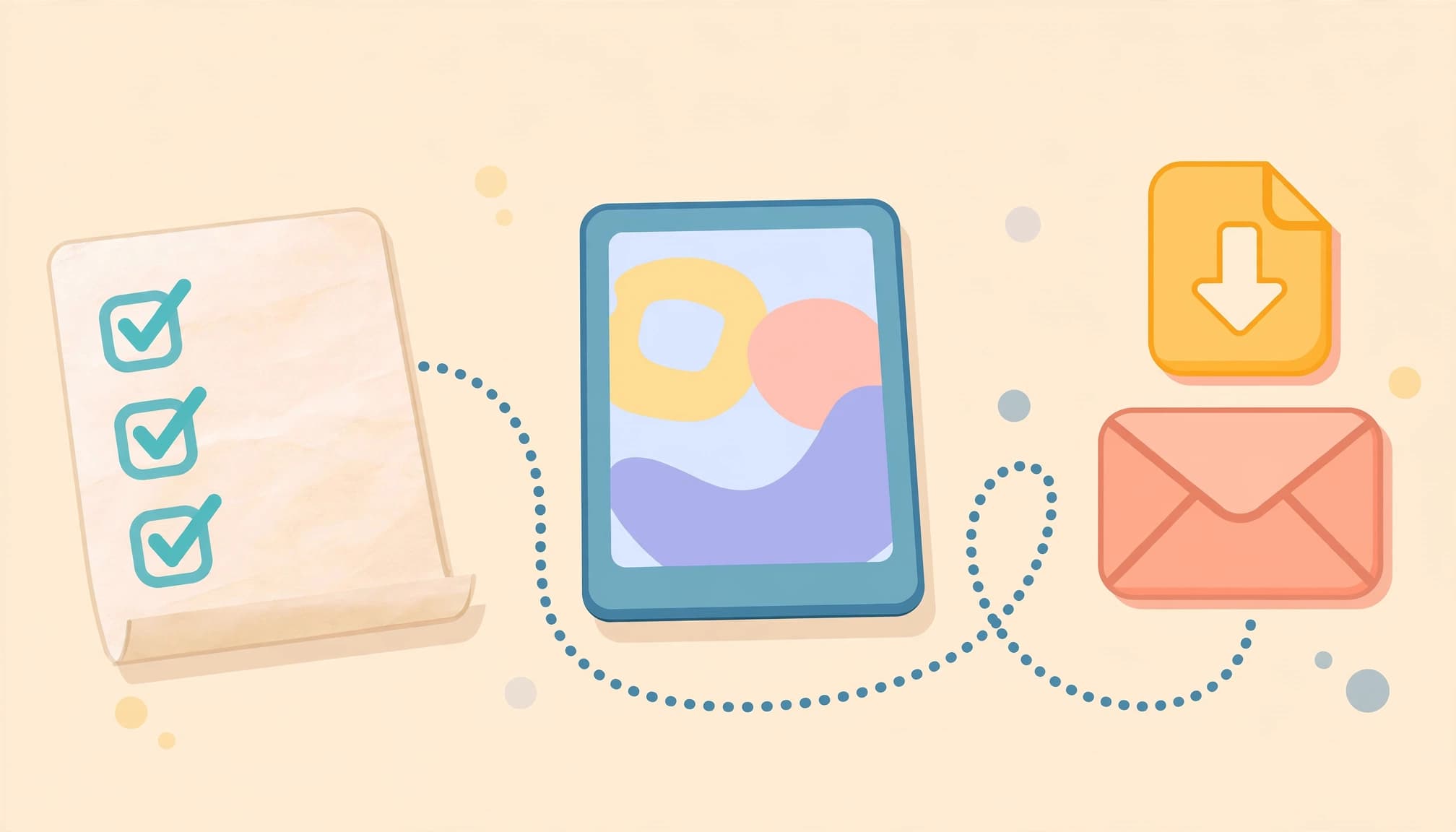
Use your provider’s test mode where available, then make a permitted live purchase before launch. Confirm that a successful payment unlocks the exact product purchased and sends one clear confirmation.
Next, try a declined or incomplete payment. The customer shouldn’t receive paid files. If you offer delayed payment methods, check when access appears after confirmation. For a mixed cart, verify that the download becomes available while the physical item remains in its normal shipping workflow.
Open the delivery on different devices
Follow the email link in a private browser window and on a phone. Download the archive, extract it, and open representative files. Check that the PDF pages display correctly and the images match the listing.
Test recovery, too: close checkout before downloading, revisit through the email or account, and request a fresh link if yours expires. A friend who hasn’t seen your setup can often spot an instruction you assumed was obvious.
Troubleshoot the failures buyers will notice first
When a customer says they paid but can’t download, start with the order record. Confirm the payment status, purchased product, and email address before changing access. This avoids sending files for an incomplete order or to the wrong person.
If payment succeeded but no email arrived, inspect your platform’s delivery log and send a new access message through its normal workflow. Ask the buyer to search for the product or store name, and check for an address typo. If an email arrived but the link fails, review expiration, login requirements, and whether the uploaded file is still attached to the product.
A file that downloads but won’t open needs a different fix. Download your stored copy, check whether it’s intact, and replace it if necessary. For a ZIP, test extraction on a second device. Keep a brief record of each issue so repeated failures reveal a configuration problem rather than becoming separate support conversations.
Keep learning
Smooth delivery prevents a lot of support emails, but not all of them. Next, read why buyers request refunds for digital products and set up abandoned cart emails for download shops. For hands-on AI art tutorials, visit my That PLR Shop YouTube channel.
Skip the blank page
The AI Art & Marketing Club gives you fresh art, a product plan and a marketing plan every month, so you always know what to make and how to sell it. Prefer to buy one pack at a time? The shop has themed art packs, prompt packs and bundles ready to customize.
Club and shop art can be used to create new finished products that you sell with commercial, PLR or MRR rights. The original images can’t be resold or given away as-is. Full license terms.
Frequently Asked Questions
Can I deliver digital and physical items in one order?
Yes, if your cart supports both product types. Configure digital items for access after payment and physical items for shipping. Test a mixed order to confirm that delivery of the download doesn’t change the shipping status.
Should I email the file itself or a download link?
A protected link is usually easier to manage, especially for large files or future corrections. Small attachments can work, but they may run into email size limits and leave you with no way to replace a copy already sent.
How long should a download link stay active?
Choose a period that gives customers reasonable time to save their purchase. If you use short-lived links, provide account access or a simple reissue process. State the rule before or immediately after checkout.
Do download limits prevent piracy?
No. They can curb casual link sharing, but customers can copy files after downloading them. Pair reasonable access controls with clear license terms and a support process for legitimate buyers who run out of attempts.
Make the next purchase easy to fulfill
The sale isn’t finished when checkout closes. A dependable delivery flow confirms payment, grants the right access, and gives buyers a way back if they miss the first download.
Start with one product and test the complete journey before expanding your catalog. Clear access and a tested recovery path will save both you and your customers the most frustration.
Share On Pinterest!
Want to come back to this later? Save one of these pins to your Pinterest board.



3 Comments